Configure your input and click 'Generate 3D' to create a 3D model with Hunyuan3D

Hunyuan3D: Text, Image, and Sketch to 3D
Hunyuan3D V3 offers three powerful ways to create 3D models. Use text descriptions to generate 3D from your imagination, upload images for realistic reconstruction, or draw sketches for artistic creations. Hunyuan3D's versatile input options make 3D generation accessible to everyone—from artists to developers. Experience Tencent's cutting-edge AI 3D technology with Hunyuan3D online.
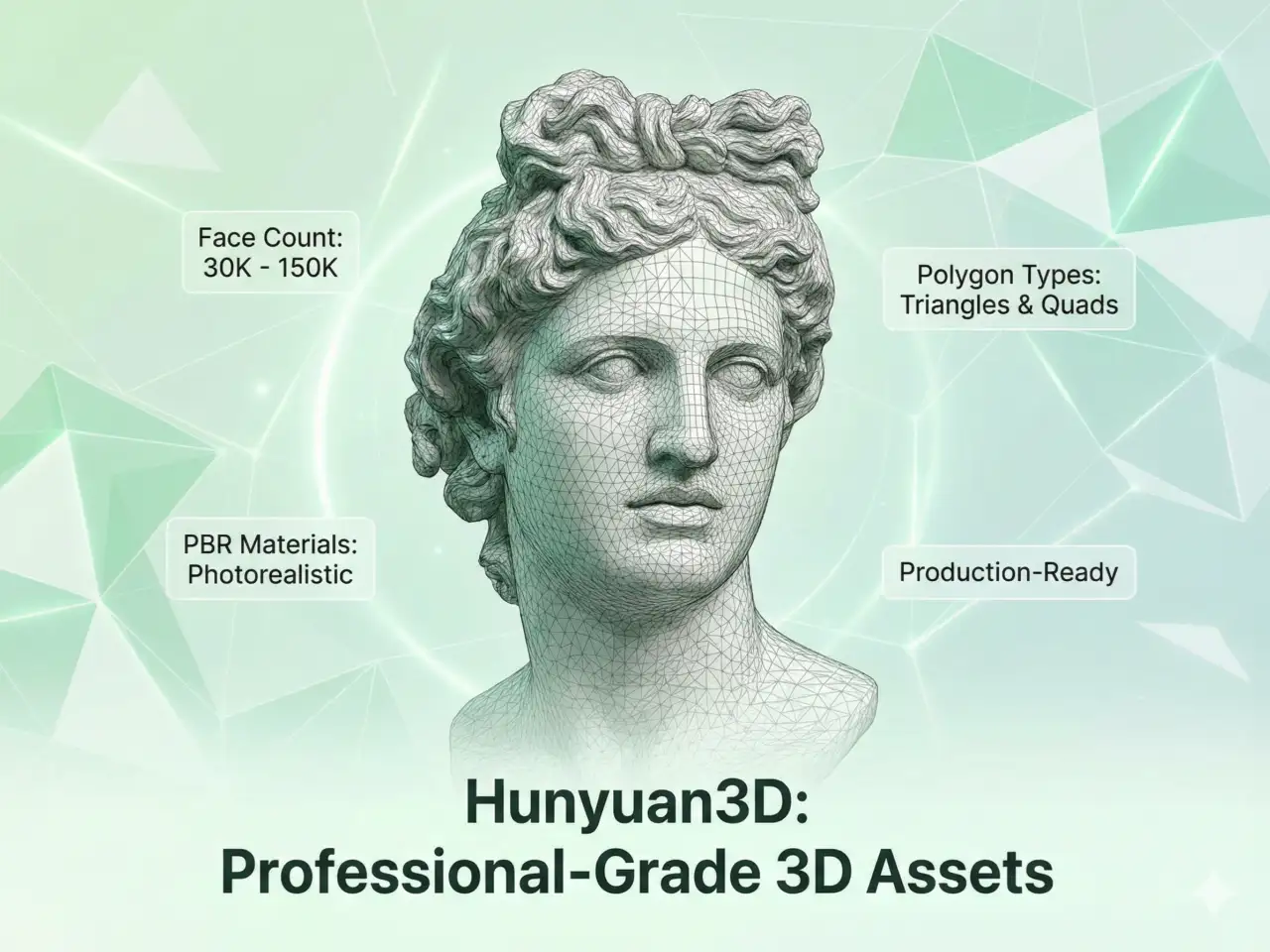
Professional-Grade 3D Assets with Hunyuan3D
Hunyuan3D produces stunning 3D models with detailed geometry and textures. Configure face count from 30K to 150K for your desired level of detail. Enable PBR (Physically Based Rendering) materials for photorealistic results. Hunyuan3D supports both triangle and quad polygon types, ensuring compatibility with any 3D workflow. Create production-ready assets with Hunyuan3D.
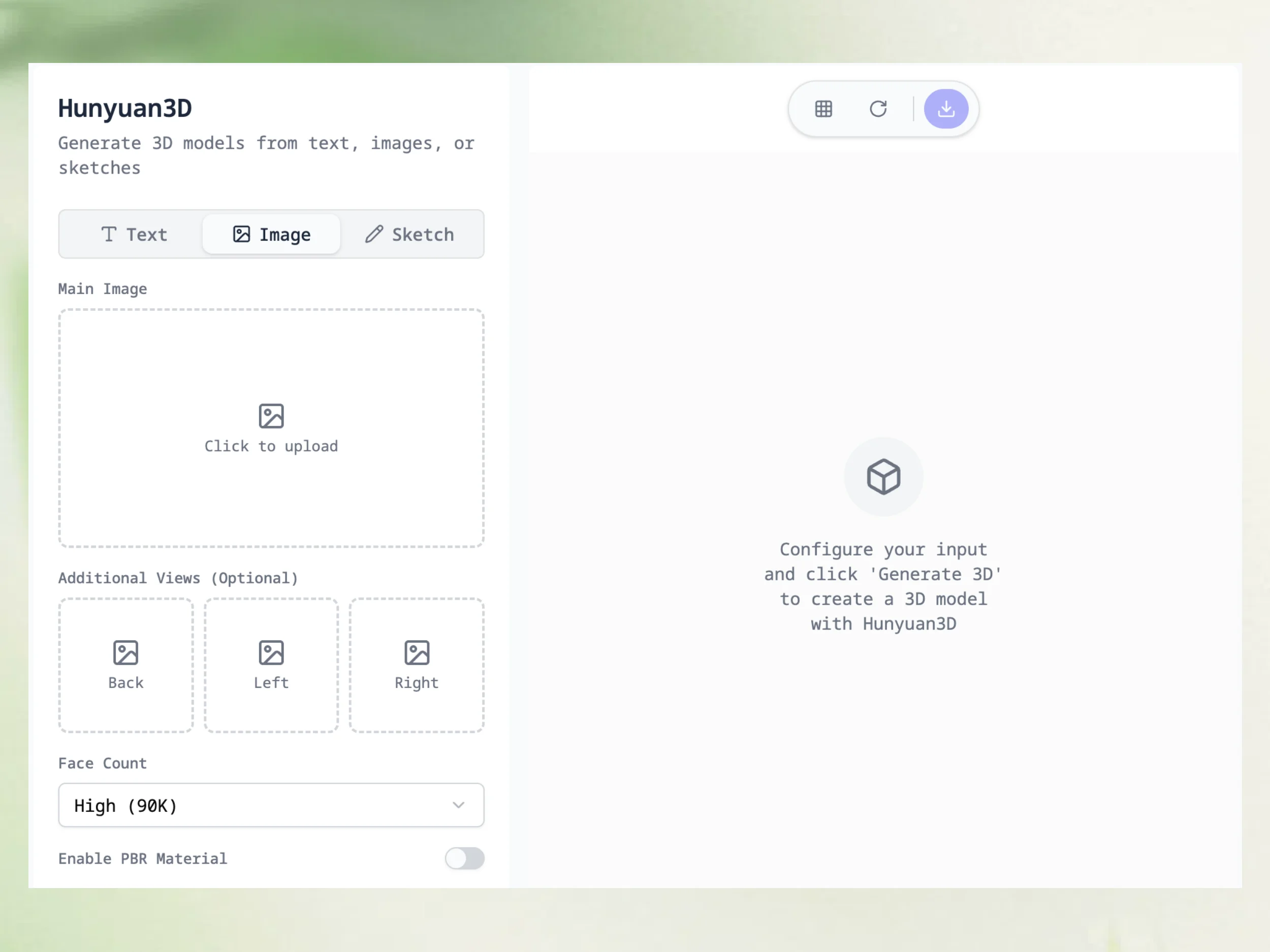
Multi-View Support for Accurate 3D Reconstruction
Hunyuan3D accepts multiple views of your subject for enhanced accuracy. Upload your main image, then optionally add back, left, and right views. Hunyuan3D combines these perspectives to create more accurate 3D models with better detail on all sides. This multi-view feature is perfect for product photography, character design, and any application requiring precise 3D representation.
Create 3D Models with Hunyuan3D in 3 Simple Steps
Hunyuan3D makes 3D generation effortless. No 3D modeling skills needed—just provide input, configure, and generate.
Choose Your Input Method
Select from three modes: type a text description, upload an image, or submit a sketch. Hunyuan3D adapts to your creative workflow. For images and sketches, you can optionally add multiple views for better results.
Configure Hunyuan3D Parameters
Customize your output with Hunyuan3D's flexible settings. Choose face count for detail level, enable PBR for realistic materials, and select polygon type (triangle or quad) for your target application.
Generate and Download
Click 'Generate 3D' and let Hunyuan3D create your model. Preview the result in our interactive 3D viewer, then download the GLB file. Your Hunyuan3D creation is ready for any 3D application.
Hunyuan3D Applications Across Industries
From game development to e-commerce, Hunyuan3D powers 3D content creation for professionals and hobbyists alike.
Game Asset Creation
Generate game-ready 3D assets using Hunyuan3D from concept art, reference photos, or text descriptions. Create characters, props, and environments rapidly. Hunyuan3D's quad polygon output works directly in game engines.
3D Printing
Convert designs to 3D printable models with Hunyuan3D. Create custom figurines, prototypes, or replacement parts. Hunyuan3D generates clean meshes suitable for slicing software and 3D printers.
AR/VR Content
Build immersive AR and VR experiences using Hunyuan3D generated assets. Transform concepts into virtual 3D models. Hunyuan3D's optimized GLB files ensure smooth performance in AR/VR applications.
E-commerce 3D
Enhance your online store with 3D product views powered by Hunyuan3D. Use multi-view input for accurate product reconstruction. Hunyuan3D helps increase engagement and reduce return rates.
Digital Art Creation
Artists can transform sketches into 3D using Hunyuan3D's sketch-to-3D mode. Create unique 3D artworks from hand-drawn concepts. Hunyuan3D opens new creative possibilities for digital artists.
Educational Models
Create 3D visualizations of specimens, artifacts, or concepts with Hunyuan3D. Educators and researchers can generate interactive 3D models from descriptions or images without expensive equipment.
Hunyuan3D vs Traditional 3D Creation Methods
See why Hunyuan3D is revolutionizing 3D content creation compared to conventional approaches.
Hunyuan3D - Frequently Asked Questions
Everything you need to know about using Hunyuan3D for 3D model generation.