

Text-Powered Segmentation
Don't waste time tracing edges. Just type what you see—like "the white sneakers" or "leather bag"—and let SAM 3's open vocabulary engine instantly identify and mask the object.
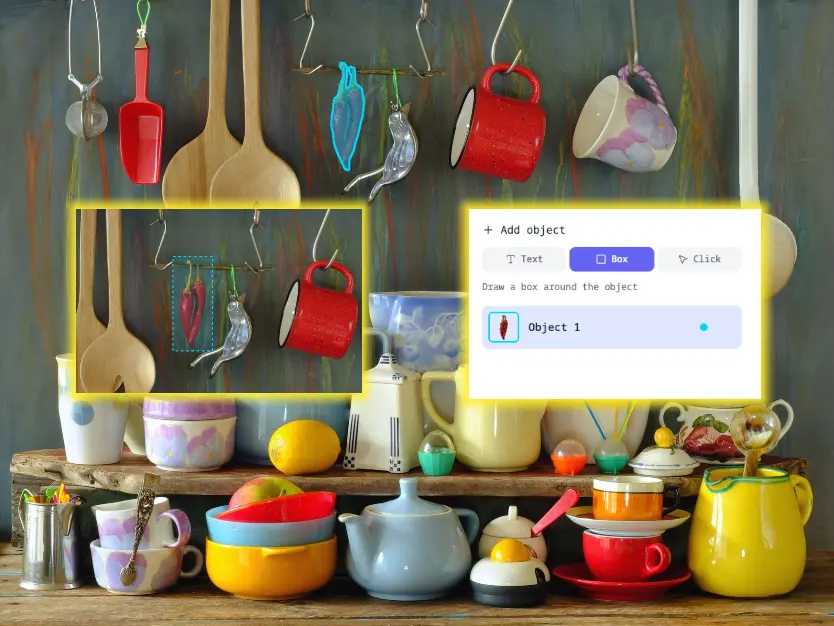
Precision Control: Click & Box
Need exact control? Switch to Click or Box mode. Simply draw a box around an item or click a few points to guide the AI, ensuring pixel-perfect cutouts even for the most difficult shapes.
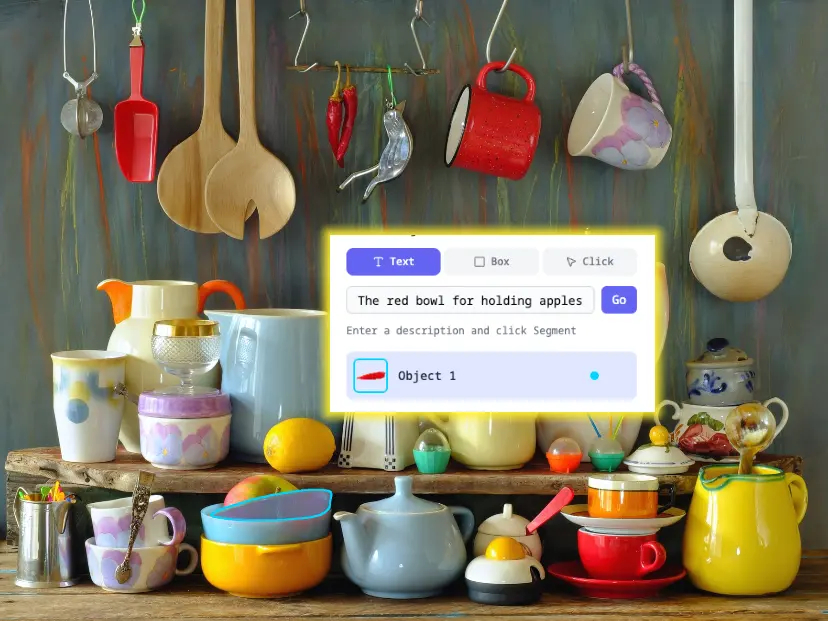
Deep Visual Understanding
Go beyond simple background removal. Powered by Meta's SAM 3, our tool understands semantics in complex scenes, allowing you to isolate specific objects from cluttered photos with zero confusion.
Segment Objects in 3 Simple Steps
No complex tools, no learning curve. Just upload, describe, and download.
Upload Image
Drag and drop any image. We support JPG, PNG, and WEBP formats up to 10MB.
Describe or Click
Type a text prompt like 'the red car' OR simply click on the object you want to extract.
Download Result
Get your high-quality cutout with a transparent background instantly. No watermarks.
Perfect for Professionals & Creators
From e-commerce to social media, SAM 3 powers your creative workflow.
E-Commerce
Create clean product photography in seconds. Isolate items from cluttered backgrounds to increase sales conversion.
Graphic Design
Stop wasting hours with the Pen Tool in Photoshop. Extract complex objects like hair or transparent glass effortlessly.
Social Media
Make viral stickers, YouTube thumbnails, and collage art by extracting subjects from your photos instantly.
Beyond Basic Background Removal
See why SAM 3 is the next evolution in image segmentation technology.
Frequently Asked Questions
Everything you need to know about SAM 3 Image Cutout and AI-powered object segmentation.